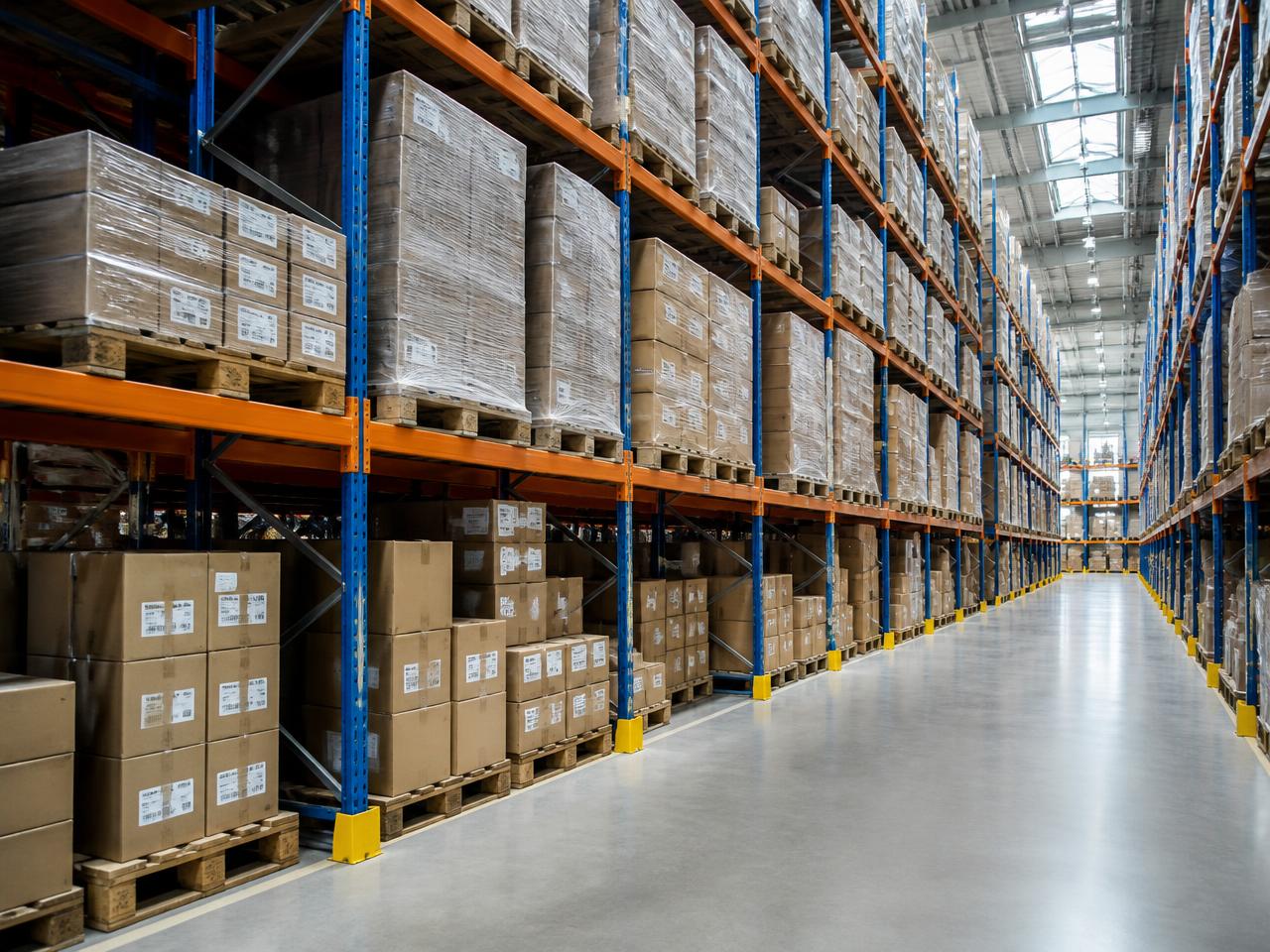
Pallets, racks and staging areas checked without walking the floor.
Minutes
for a full walk-through count
0
scanners or tags required
Per bay
accuracy on empty positions
What goes wrong today
The change happens long before anyone sees it.
- Empty rack positions are found only when a picker arrives.
- Staging areas quietly fill up until the aisle is blocked.
- Cycle counts require people and downtime.
Example
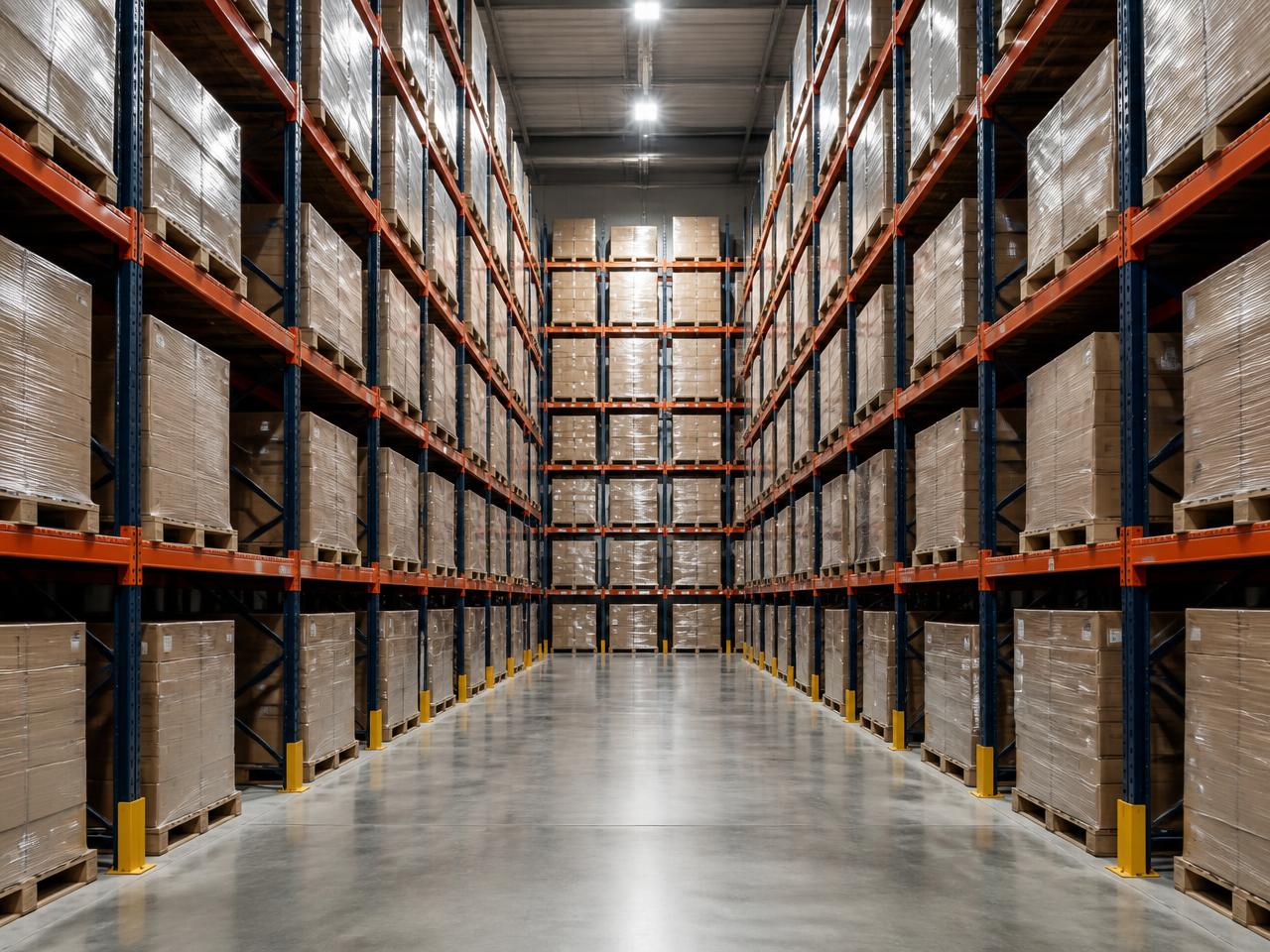
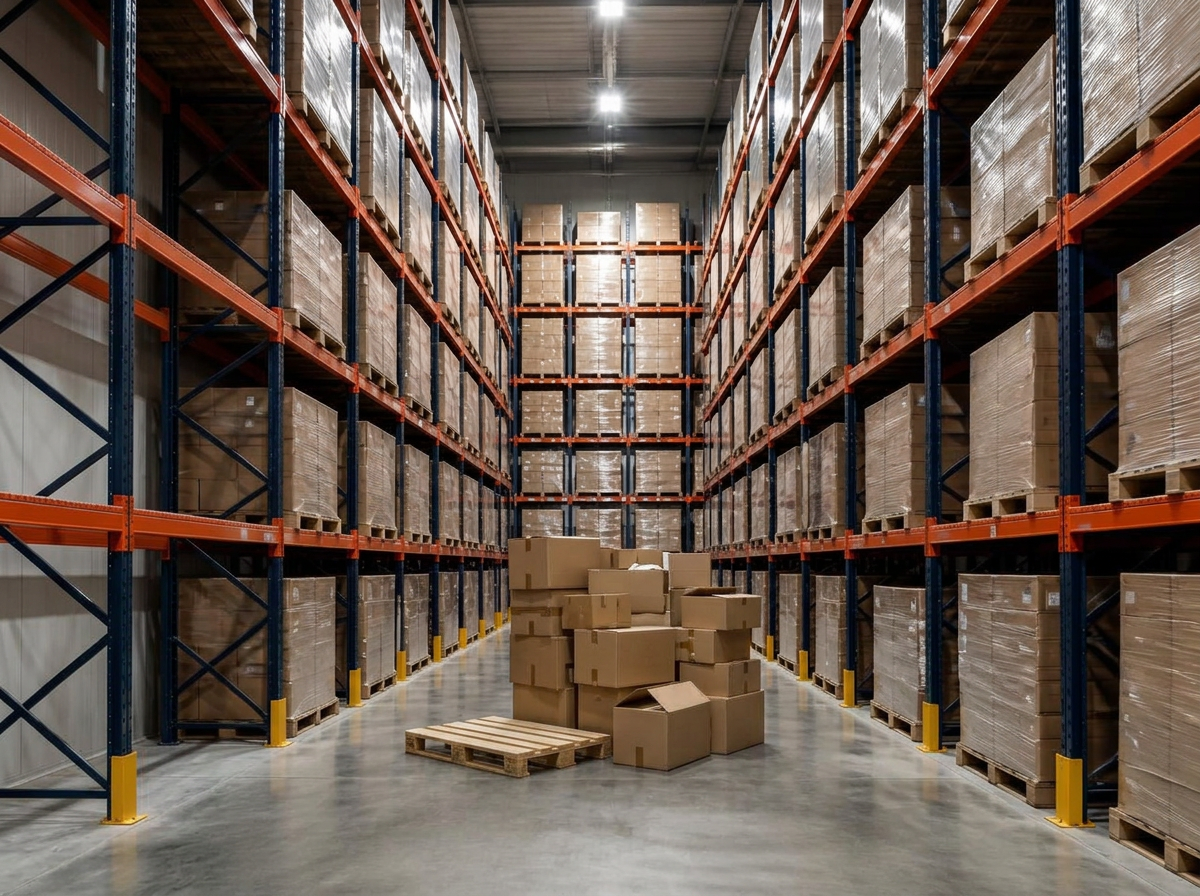
Baseline vs. scan, side by side.
The left photo is what you taught ChangeAIQ. The right one is a later scan, with every change boxed and named on the image itself.
What it detects
Trained on the details of warehouses.
Empty positions
Rack slots that should hold goods and do not are counted per bay.
Obstructions
New objects in aisles, fire lanes or in front of exits are flagged as new.
Fill level
How full a staging zone is, as a percentage, so you can act before it overflows.
How it works
Four steps, one phone.

Step 1
Capture the bay
One photo per rack bay or zone — phone or an existing fixed camera.
Step 2
AI maps the rack
Pallets, positions and free space are recognised and stored as the baseline.
Step 3
Scan on the round
A walk-through scan updates every zone in a couple of minutes.
Step 4
Act on the deltas
Empty slots, blocked aisles and overflow show up as ranked alerts.
In practice
Write the rule the way you would say it.
Area
Rack B, aisle 3
Your rule
"Alert me if more than 3 pallet positions are empty"
Alert
5 empty positions in aisle 3 — replenish.
Area
Fire lane
Your rule
"Alert me immediately if anything blocks the fire lane"
Alert
New object in fire lane detected at 14:02.
Area
Outbound staging
Your rule
"Alert me when staging is more than 80% full"
Alert
Staging area at 88% — dispatch backlog building.